
Keep customer conversations organized
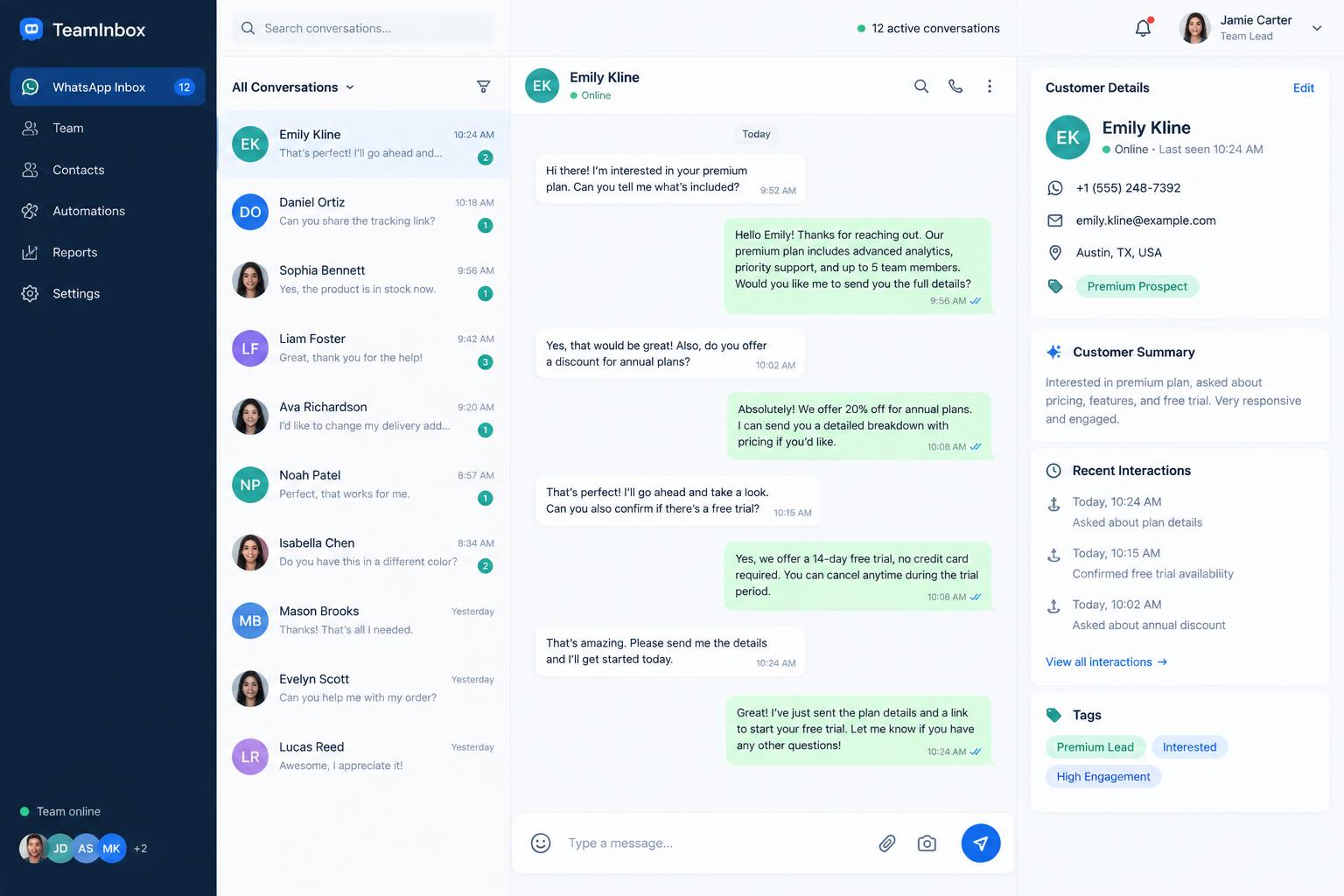
Topics, pinned chats, and per-number access keep a busy inbox readable for the whole team.
Bring your WhatsApp numbers, customer details, and campaigns into one workspace—so your team can respond with context and keep relationships moving.
Team inbox
Sales lineNoura Al-Fahad
Sales line · +966 5X XXX XXXX
Hello, I saw your ad on Instagram. Do you deliver to Jeddah?
09:32
Hello Noura! Yes, we deliver to Jeddah within two business days.
09:35
Could you send the catalogue?
09:41
Sending it now — the autumn collection is on page 4.
09:42
Agent is typing…
Customer details
Interests
Services
Arrived from
Instagram ad · Autumn Collection
Internal note
Prefers Arabic. Asked about bulk pricing in August.
Swipe through the product — from the shared inbox to campaigns, imports, and team controls. All screens shown with illustrative demo data.
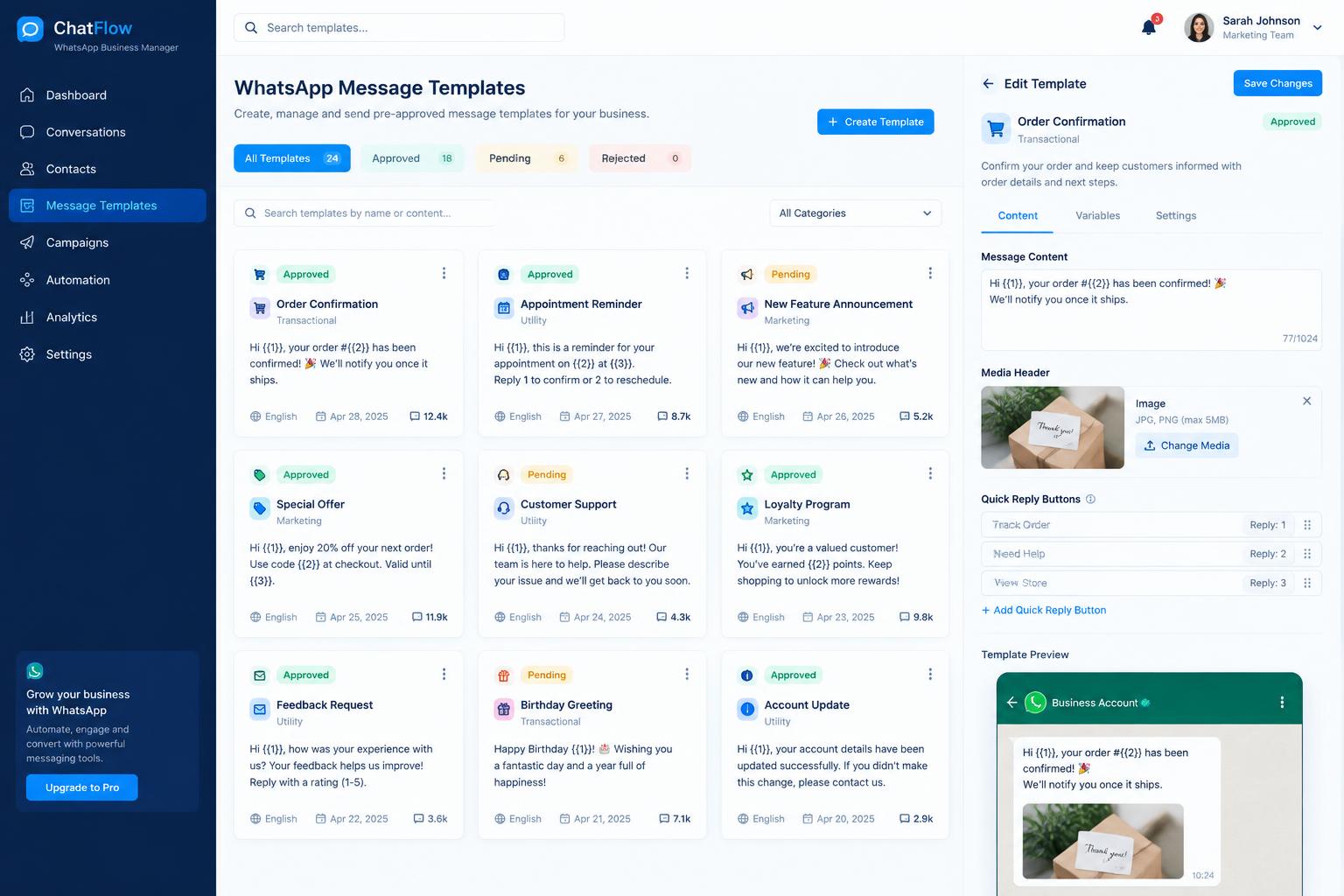
Illustrative product previews with fictional demo data.
Topics, pinned chats, and per-number access keep a busy inbox readable for the whole team.
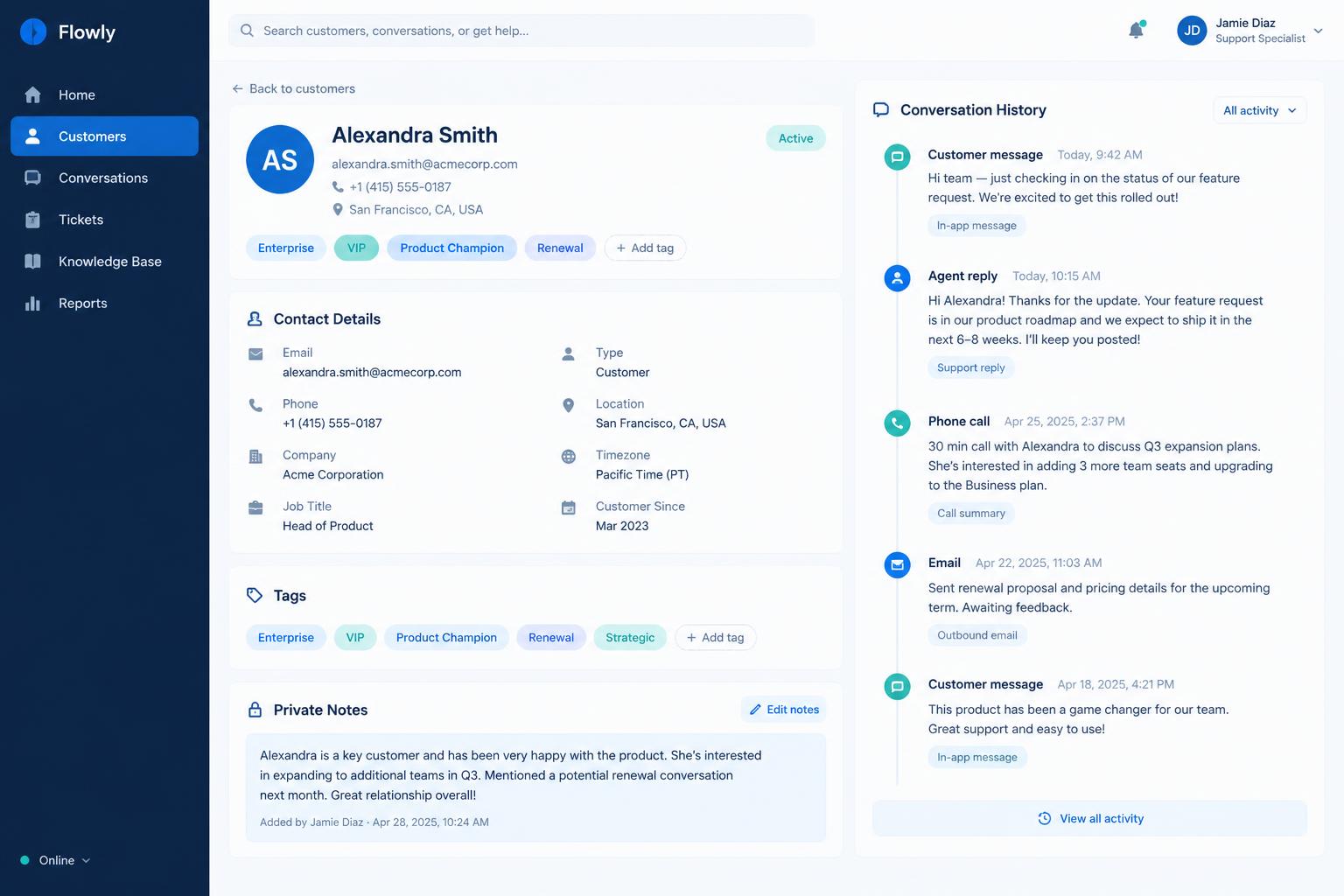
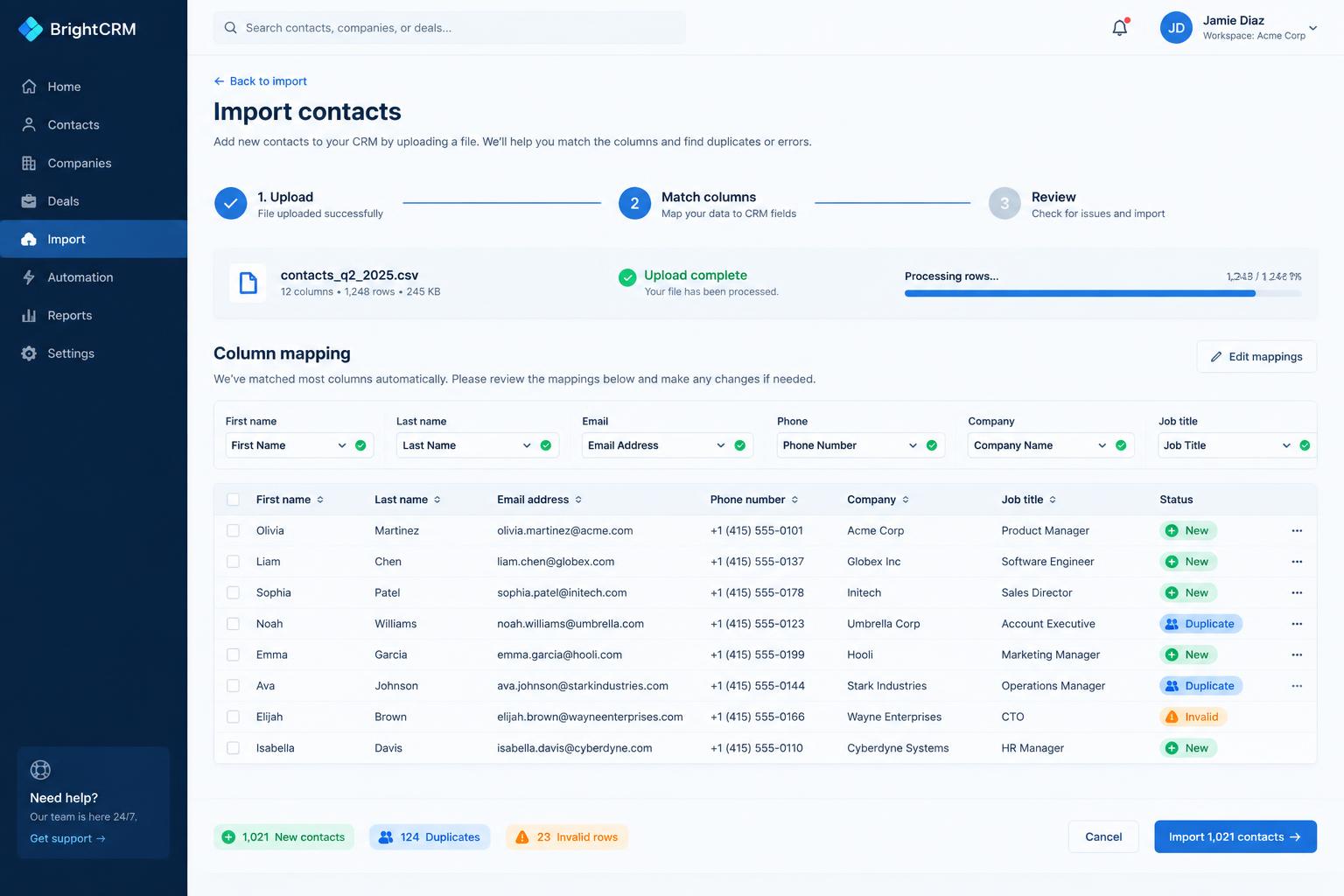
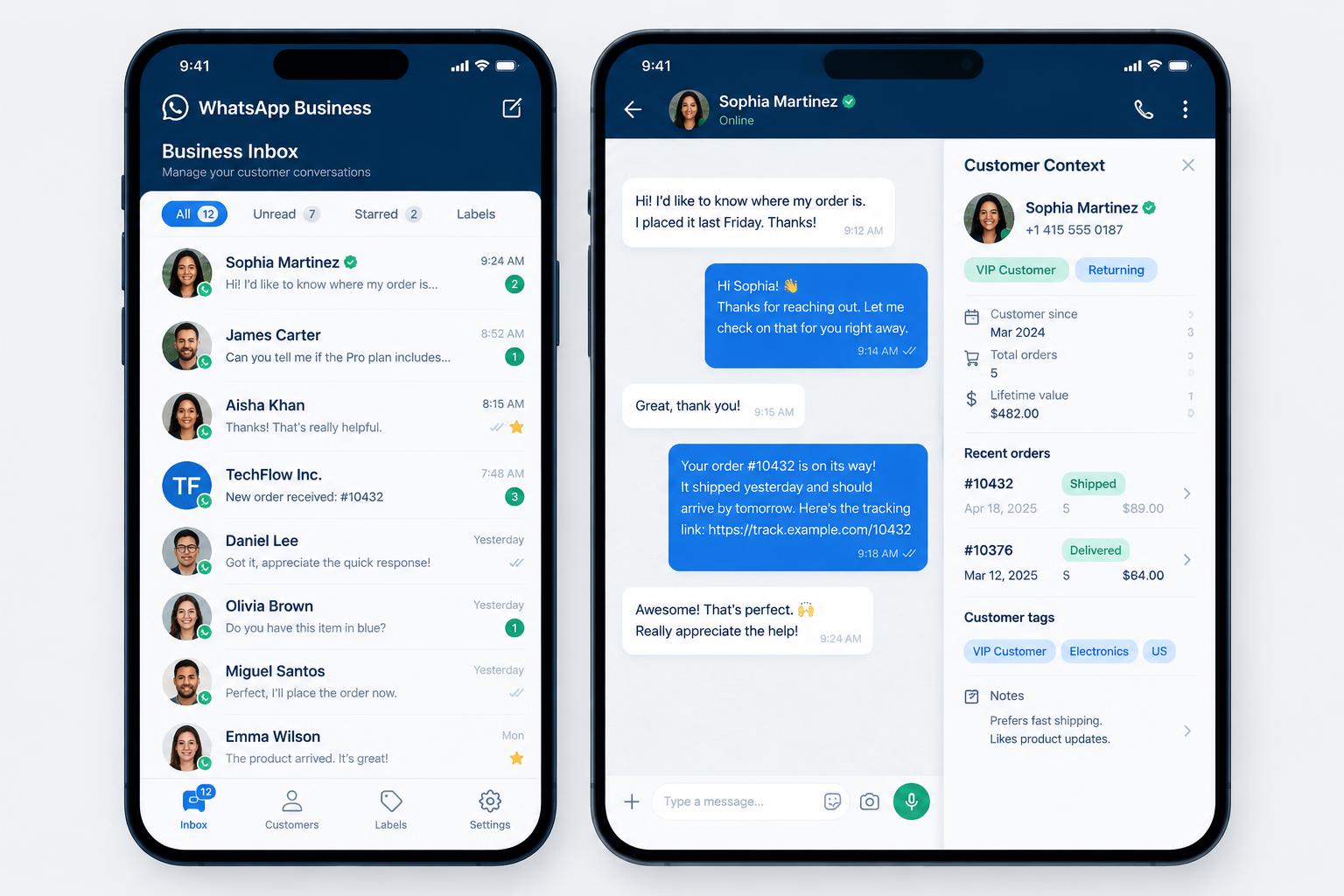
Profiles, interests, services, and private notes sit beside every conversation.
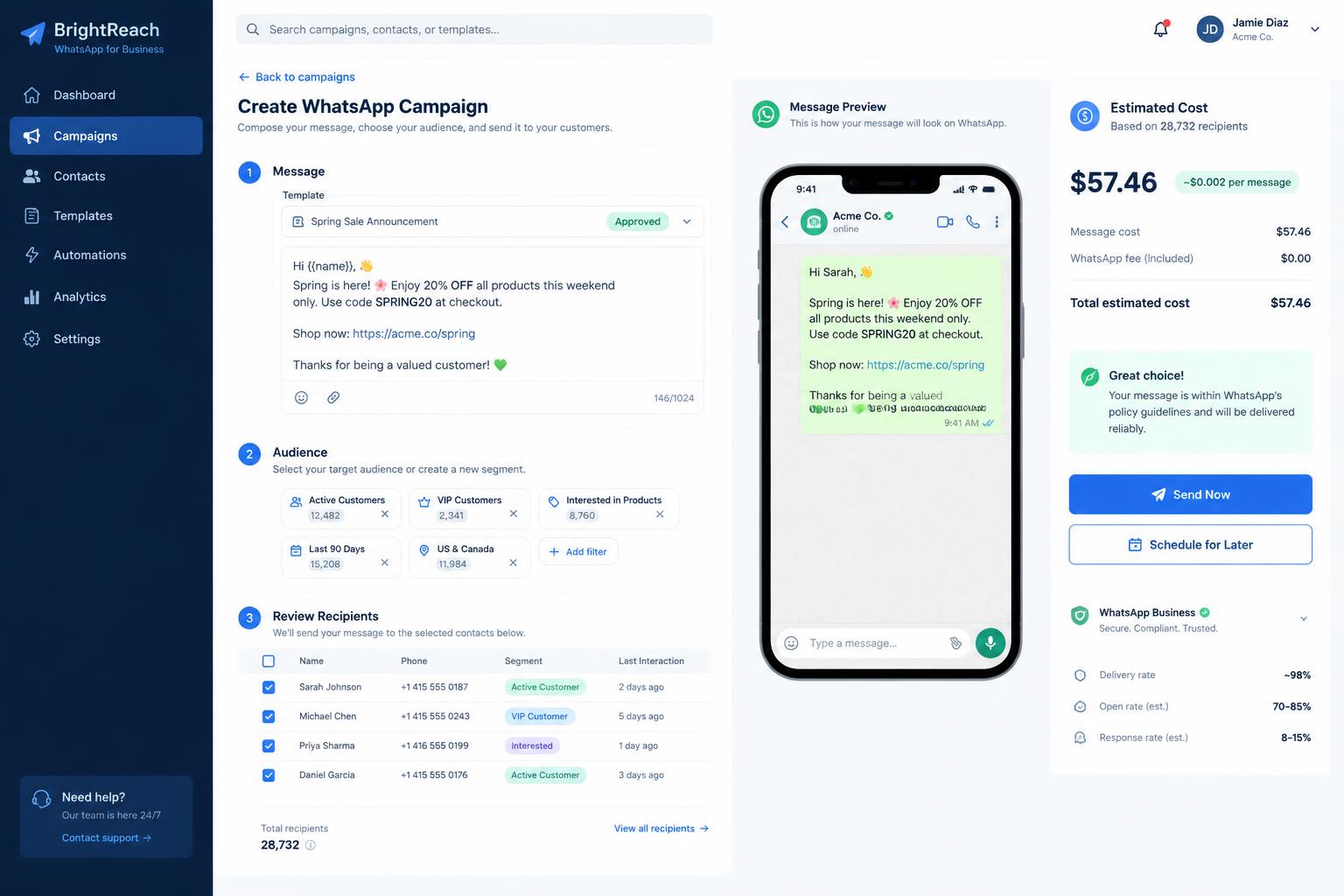
Build an audience from your own customer data and send a personalized template message.
Product
Five parts of Saptec Connect, shown with fictional demonstration data.
Team inbox
Sales lineNoura Al-Fahad
Sales line · +966 5X XXX XXXX
Hello, I saw your ad on Instagram. Do you deliver to Jeddah?
09:32
Hello Noura! Yes, we deliver to Jeddah within two business days.
09:35
Could you send the catalogue?
09:41
Sending it now — the autumn collection is on page 4.
09:42
How it works
The message arrives in the shared inbox on the number they wrote to.
Hello, I saw your ad on Instagram. Do you deliver to Jeddah?
A customer record is created, with referral details when they arrived from a Facebook or Instagram ad.
Arrived from
Instagram ad · Autumn Collection
+966 5X XXX XXXX
Details, history, and internal notes sit beside the conversation.
Hello Noura! Yes, we deliver to Jeddah within two business days.
Tags can be applied to one customer or across a selection.
Build the audience from those tags and send a personalized template message.
Template preview
Hello {{name}}, the autumn collection is now available at {{branch}}. Reply here and we'll reserve your pieces.
Campaigns
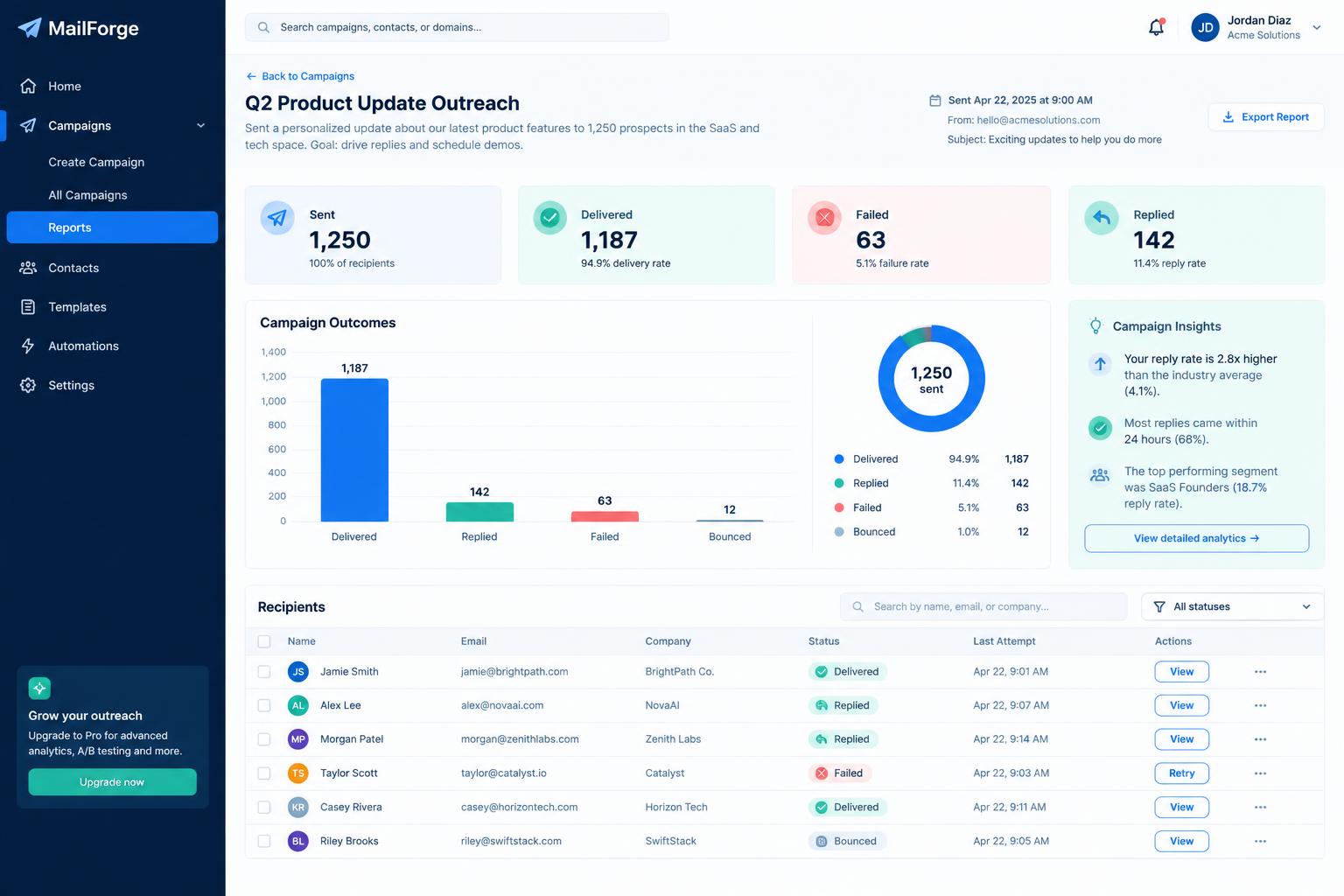
Prepare the audience, personalize the template, review the recipient list, and check the estimated cost before anything is sent.
12
Sent
1
Failed
4
Replied
Illustrative demo data. Failed sends can be retried, and replies open the related conversation.
Audience
Template preview
autumn_offer_v2 · Marketing · Approved
Hello {{name}}, the autumn collection is now available at {{branch}}. Reply here and we'll reserve your pieces.
Recipient review
Estimated cost
Shown before launch
Contact import
Bring an existing spreadsheet in and see exactly what will happen before anything is saved.
XLSX, XLSM, and CSV files are supported.
Map spreadsheet columns to customer fields. Common English and Arabic headings are recognized.
Preview new contacts, duplicates, and invalid rows, and choose how existing information is handled.
Import runs in the background, with row-level errors you can inspect.
Illustrative demo dataInteractive replies
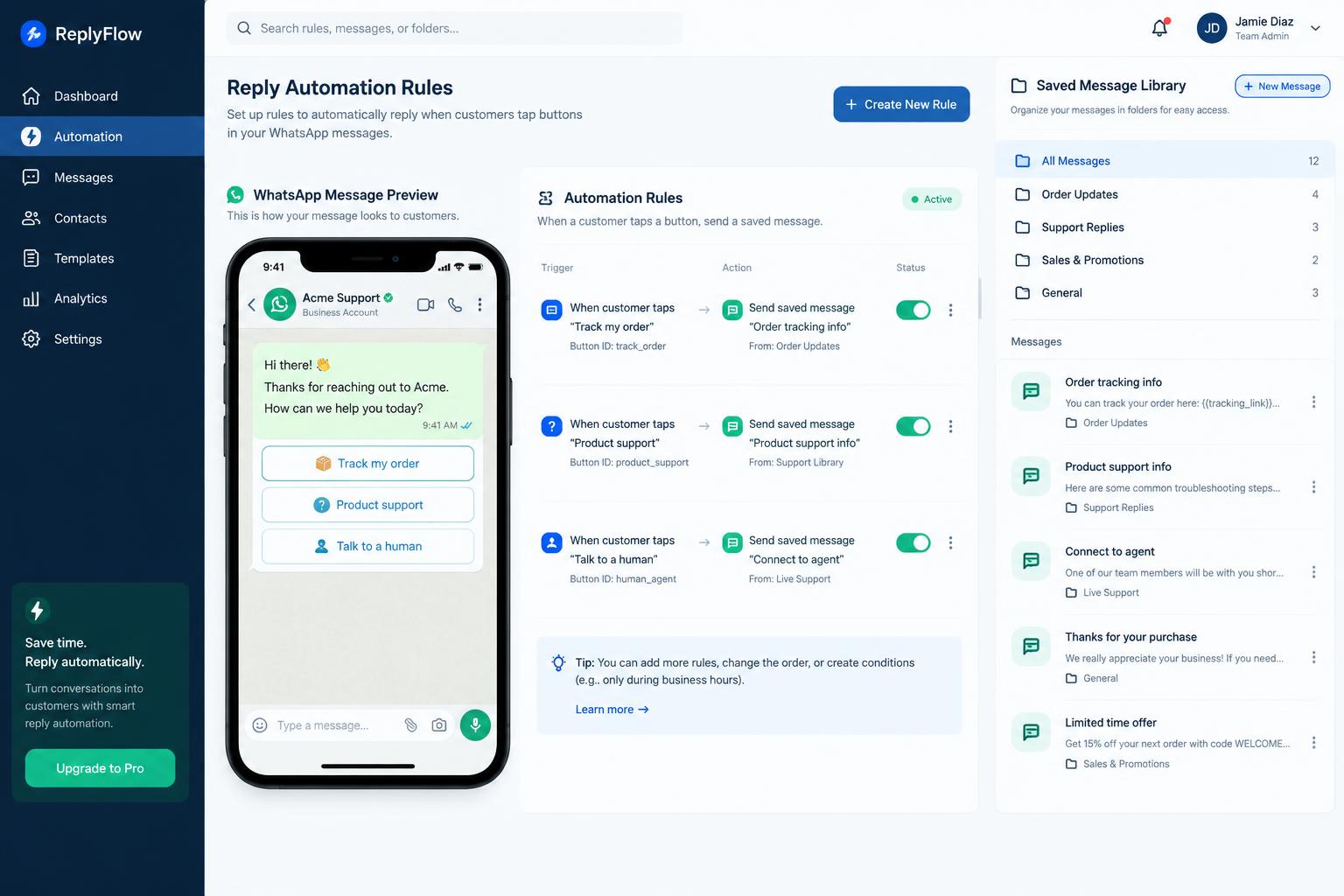
Send reply buttons or a list menu, then configure a rule for what happens when a customer chooses an option.
Tap automation
When the customer selects
Product details
Send
Configured text response
A rule can reply with text, a saved interactive message, or close the conversation topic.
Hi Omar — what would you like to do?
Product details
Talk to sales
Delivery status
Product details
Saved message library
Search libraryFolder: Sales line / Product menus
Solutions
Handle conversations from shared numbers with the customer's history in view.
Keep track of who asked for what, and where they came from.
Prepare a campaign, review it, and follow what came back.
Web & mobile
The web workspace covers the full product. The mobile client, built with Flutter for Android and iOS, covers conversations and customer management—campaigns and administration are managed on the web.
Explore mobile capabilitiesNoura Al-Fahad
Sales line · +966 5X XXX XXXX
Hello, I saw your ad on Instagram. Do you deliver to Jeddah?
09:32
Hello Noura! Yes, we deliver to Jeddah within two business days.
09:35
Could you send the catalogue?
09:41
Sending it now — the autumn collection is on page 4.
09:42
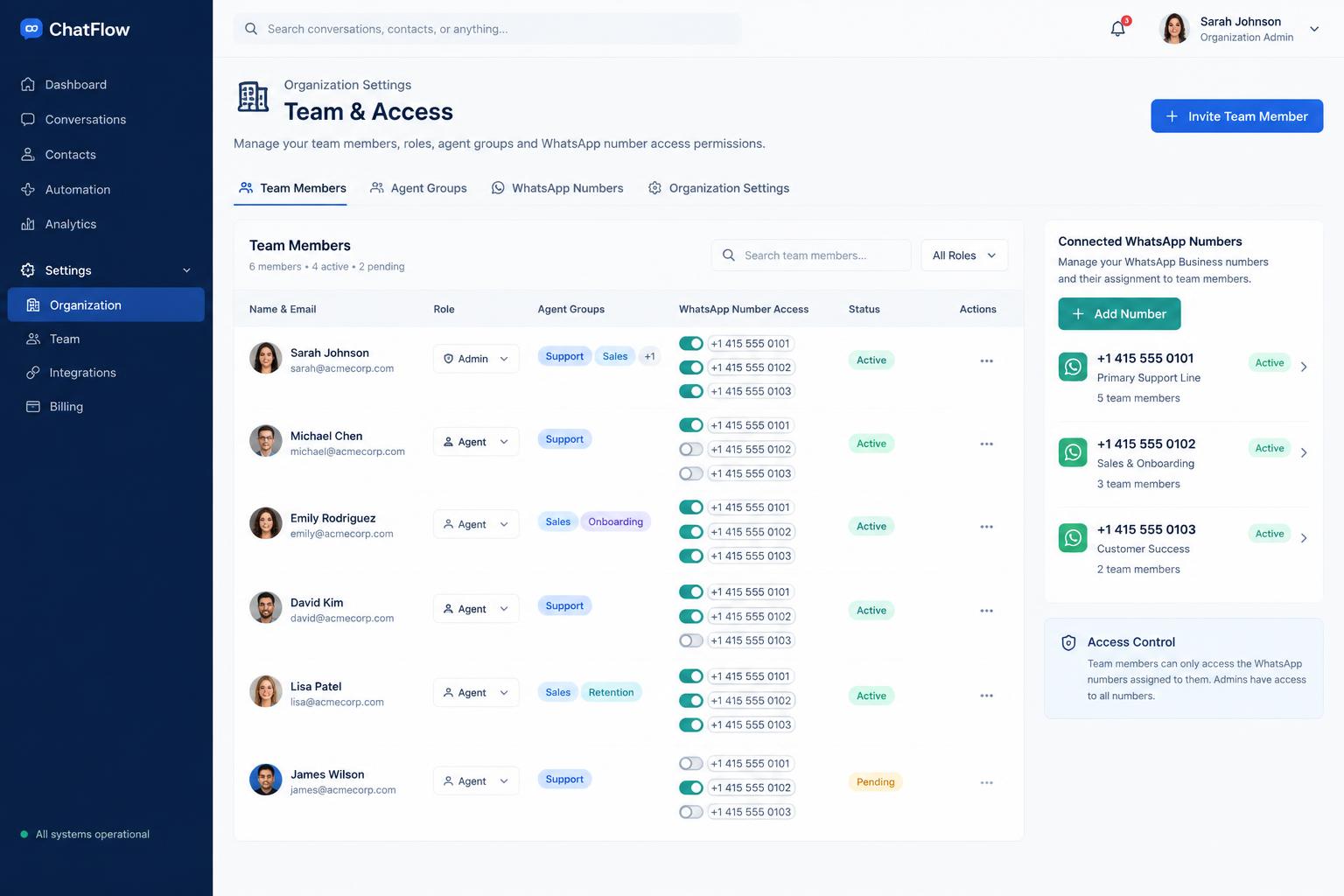
Organization
Each organization keeps its own data, numbers, and settings.
Give people the access their work requires.
Agent groups decide which numbers a person can open.
Template categories, thresholds, and workspace preferences are configured per organization.
FAQ
Book a demo
See how Saptec Connect can support your team's WhatsApp workflow.
When you submit, your email app opens with your request pre-filled and addressed to info@saptecsystems.com — just press send. Nothing is stored on this site.
Or reach us directly